Content Freshness Strategy: How to Update Old Content and Protect Rankings
Old blog posts losing traffic? Learn how to refresh outdated content, improve keyword rankings, and protect your SEO positions. This simple content freshness strategy helps you boost organic traffic without creating new content from scratch.

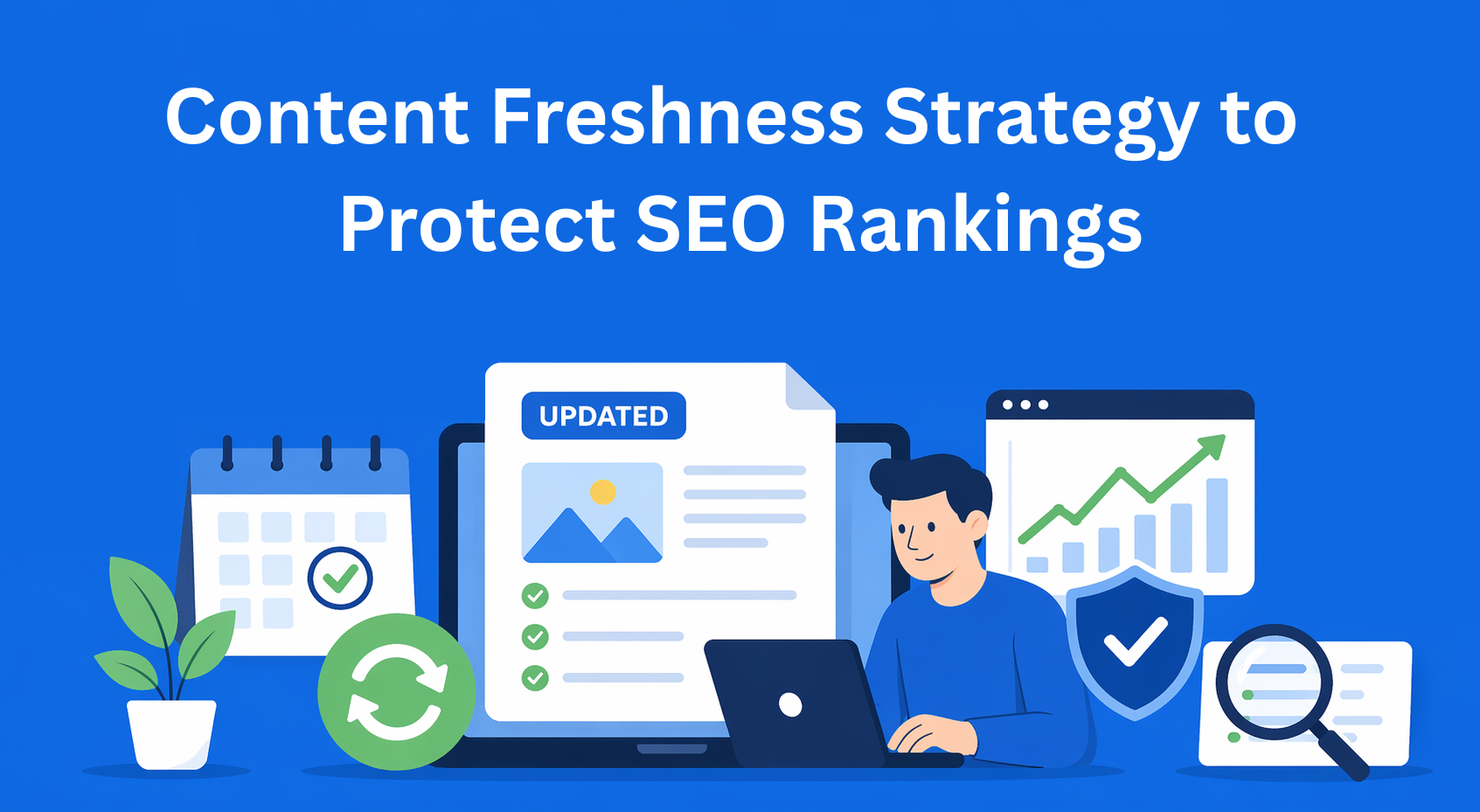
Every website has old blog posts that used to perform great, but now nobody reads them. Rankings have dropped, traffic is gone, and you don’t know why. The reason is often simple, the content is outdated.
Google simply doesn’t want to push old and neglected content. It prefers when content is fresh and updated, because that’s when people get accurate and useful information. That’s why content freshness strategy is very important, even though most people don’t really take it seriously.
In this blog, we’ll go through everything, how to recognize which posts have “fallen off,” how to refresh them, and how to protect your rankings on Google during that process.
Key Takeaways
- Content loses performance as it becomes outdated - changes in data, trends, and search behavior reduce rankings and traffic over time.
- A content audit reveals quick growth opportunities - updating posts close to the first page of Google brings the fastest results.
- Different types of updates require different effort - small fixes, expansions, full rewrites, or consolidation should be used based on content condition.
- Protecting SEO during updates is critical - keeping URLs, internal links, and topic consistency prevents ranking drops.
- Content freshness must be a continuous process - regular reviews and updates ensure long-term traffic and stable rankings.
Why content “gets old” and why that’s a problem
A post you wrote two or three years ago might have been great at the time. But things change. Statistics change, trends change, tools change, and even the way people search on Google changes.
Certain types of content get outdated faster than others. For example, tool lists ("10 best tools for..."), statistics, step-by-step guides, or posts about current topics, all of these have a “shelf life.” If your post says “according to a study from 2020,” there’s a high chance Google no longer sees it as relevant.
When content becomes outdated, organic traffic starts to drop, keyword rankings go down, and users who do land on the page leave quickly because they don’t find what they were looking for.
How to find which posts need updating
Before you start making any changes, you need to know exactly what needs fixing. That’s why you do a full review of your site content, also known as a content audit.
You don’t have to do this every week. Once per quarter, or at least once per year, is enough.
What are you looking for during the audit? Mainly three things:
- A drop in organic traffic in the last 3-6 months
- Posts that used to rank on the first page of Google but have dropped to the second or third page
- Pages where users land but leave immediately (high bounce rate)
For this, you can use Google Search Console, Google Analytics 4, or tools like Ahrefs or SEMrush.
When you see which posts need fixing, don’t try to do everything at once. Start with the ones that are already close to the first page of Google, that’s where you’ll get results the fastest with the least effort.
Types of updates - not all are the same
Not every post is the same, so the approach shouldn’t be the same either. There are four levels of updates, and it’s important to know when to use each one.
Small updates - You only fix outdated data, dates, or broken links. Quick and simple. Use this when the post is still good, it just needs fresh information.
Medium updates - You add new sections, expand the topic, include examples that weren’t there before. Use this when the post has a solid base but lacks depth compared to competitors.
Full rewrite - When the post is so outdated that it’s easier to rewrite it from scratch than to fix it. Structure, tone, examples, everything changes. This is a content update that takes the most time but can bring the biggest results.
Content consolidation, Do you have multiple short posts on the same topic that just split attention? It’s better to combine them into one strong, detailed post. Google prefers one solid piece of content over multiple weaker ones covering the same thing.
Step by step: How to refresh an old post
Here’s a practical process you can follow:
Step 1: Check what shows up on Google for that topic Before you start editing, search your main keyword and look at the top results. Compare them to your post, what do they have that you don’t? Are they more detailed? Do they cover things you skipped?
Step 2: Analyze competitors Not to copy them, but to understand what users actually want when they search for that topic. If all top results have an FAQ section and yours doesn’t, that’s a signal.
Step 3: Update data and statistics Any statistic older than two years should be checked. If you can’t find a newer one, it’s better to remove it than to keep outdated information.
Step 4: Improve technical details Headings (H1, H2, H3), meta description, internal links to newer content, all of this affects SEO optimization and how Google understands your content.
Step 5: Add new formats Infographics, video, comparison tables, FAQ, all of this increases the time users spend on the page, which is a positive signal for Google.
Step 6: Update the publish date But only if you’ve made meaningful changes. Don’t change the date just because you fixed a comma, Google can recognize that.
How to protect rankings during updates
This is the part many people skip, and then wonder why their rankings dropped after updating.
When you update content, don’t change the page URL. A URL is like an address on the internet, if you change it, Google has to relearn where the page is, and all links pointing to it stop working.
If you really have to change the URL (for example, the post is “/best-tools-2020”), then set up a 301 redirect, that’s a technical solution that tells both Google and users: “This content has moved here.” That way, you don’t lose the authority you’ve built over time.
Besides the URL, don’t change internal links pointing to that post, and don’t change the main topic of the content. If you had a post about “email marketing for beginners,” don’t suddenly turn it into “marketing automation”, those are two different topics.
Make changes gradually and monitor what happens with rankings over the next 2-4 weeks.
How to build a system that works long-term
Refreshing content shouldn’t be something you do once and forget. For a content freshness strategy to actually work, it needs to become part of your regular process.
Here’s how that looks in practice:
Create a simple calendar in Google Sheets or Notion where you track each post with the last update date and the next planned review date. High-performing posts should be reviewed more often, every 3-6 months. Others once per year.
Set up Google Alerts for the keywords your content covers. Whenever new statistics or news appear in your industry, you’ll get an email. It’s the fastest way to know when something in your content becomes outdated.
Define clear success metrics. If you updated a post, track: did traffic increase within 60-90 days? Did keyword rankings improve? Are users staying longer on the page? These are signals that you’re moving in the right direction.
Conclusion
Refreshing old content isn’t glamorous, but it’s one of the most effective ways to improve organic traffic without writing new posts from scratch.
The process is simple: find posts that are losing performance, estimate how much work they need, refresh them smartly, and protect rankings during the process. Then repeat it regularly.
You don’t need to change everything at once. Pick one post this week, go through the steps we described, and track what happens. The results won’t be missing.