The Content Handoff Problem: How to Move Work Between Writers, Editors, and Designers Smoothly
Content handoffs often break down due to missing context, unclear ownership, and scattered tools. Learn how to structure handoffs between writers, editors, and designers to avoid delays, reduce revisions, and keep your content workflow running smoothly.

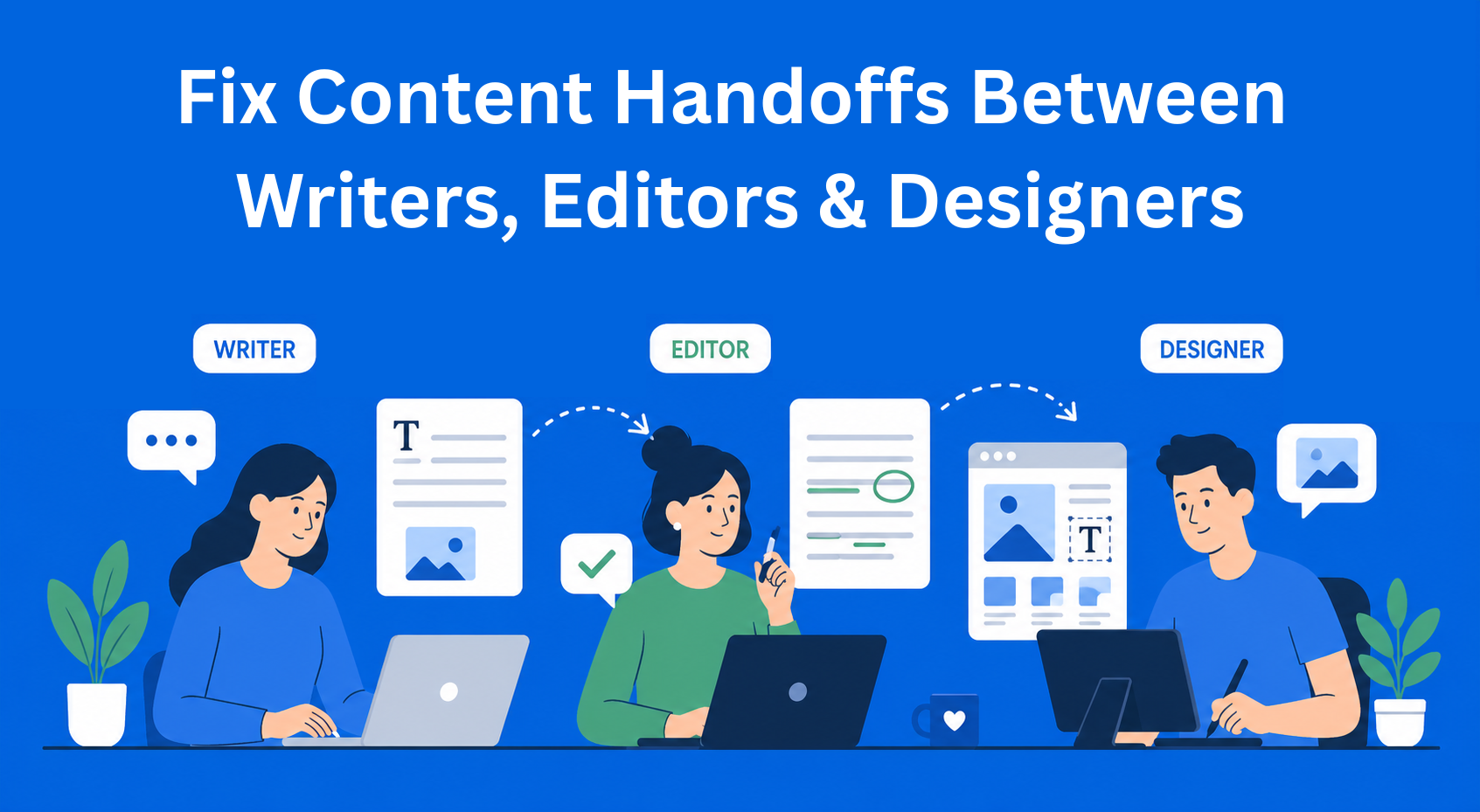
Someone writes a piece of content. They pass it to the editor. The editor fixes it and passes it to the designer. The designer creates the visuals. And then the problems start. People work on the wrong version of the text, the file gets lost somewhere, the designer doesn’t know which headline is final, and the deadline passes in the meantime.
This happens in almost every content marketing team, no matter how big it is. Passing work from one person to another may seem like a small thing, but in practice it can lead to delays, lower content quality, and people working longer than they should.
In this blog, we’ll go through why handoffs break down and what you can actually do to prevent that.
Key Takeaways
- Content handoffs fail without a clear system - scattered files, missing context, and unclear ownership lead to delays and mistakes.
- Context is just as important as the content itself - goals, tone, status, and expectations must be included in every handoff.
- Defined roles and approval rules prevent confusion - knowing who decides what keeps content from going in endless revision loops.
- Structured handoffs improve collaboration across roles - writers, editors, and designers can work smoothly when information is clear and consistent.
- Tools help, but shared rules make the real difference - a system only works when the whole team follows it every time.
Why handoffs between people break down
There is no single place where everything lives
The text is in Google Docs. Feedback came through email. Notes are in Slack. The final version is… somewhere. No one is sure where.
When there isn’t one place where everything is stored, everyone works based on what they think is correct. And that usually means someone is working on the wrong version. The problem between the writer and editor starts right here, not because people don’t care, but because there is no clear system.
Context gets lost during handoff
The writer knows everything about the text, who it’s for, what it should achieve, what tone it should have. But when they pass the file, that information stays in their head. The editor or designer gets a “bare” document with no explanation.
It’s like giving a chef ingredients without a recipe. Something can be made, but it’s probably not what was intended.
No one knows who approves what
Comments come from all sides. They often don’t agree with each other. It’s not clear who makes the final decision. So everything turns into guessing, and the text keeps going in circles with constant changes.
Files don’t “speak the same language”
The writer sends a Word document. The editor returns a PDF with comments. The designer expects something else. Everyone works in their own tool, and those tools are not connected. So time is wasted moving and fixing files instead of doing real work.
What a good handoff looks like
A good handoff is not just passing a file. It’s passing the file plus the context the next person needs to continue where you left off.
Every handoff should include:
- Document status - is this a first draft, reviewed, or ready for design?
- Content goal - what should this piece do? Inform? Sell? Drive clicks?
- Tone and style - is it formal, casual, playful? Is there an example the editor or designer can look at?
- Open questions - if you’re unsure about something, write it down clearly. Don’t make the next person guess.
- Deadline and priority - when does this need to be done and how urgent is it compared to other tasks?
When every handoff includes these elements, collaboration between writers and designers becomes much easier because no one has to search for information, everything is already there.
Handoff from writer to editor
What the writer should do before sending the text
Before you send the text, quickly read it one more time. You don’t need to polish it, just check if anything is missing or unclear. If you’re unsure about a part, mark it and add a short note, for example: “I’m not sure if this is too technical for the audience.” That way, the editor knows exactly what to look at.
Also, clearly say what you expect from the editor. Do you want just grammar checks? Or deep feedback on structure and flow? These are completely different tasks, and the editor can’t read your mind.
What the editor should return
If the editor only sends back the text with changes, that’s often not enough. They should also briefly explain what they changed and why, especially for bigger edits.
They should also clearly say what is a suggestion and what must be changed. It’s not the same to say “you can change this” and “this must be changed because it’s not aligned with the brand.”
Endless revisions kill the project
Revision rounds should be limited in advance. Two, maximum three rounds. After that, the text moves forward, either it’s accepted as good enough, or it goes back to discuss bigger issues. If revisions go on forever, it usually means there is no clarity about what the text should actually be, and that problem won’t be solved with another round of edits.
Handoff from editor to designer
The brief is the bridge between text and visuals
The designer is not there to “make the text look nice.” The designer creates visual communication that supports the message of the text. To do that, they need to understand that message.
A good content brief for a designer includes: which headline is the most important, what the CTA (call to action) is, which information is primary and which is secondary, and whether there are constraints (character limits, format, platform where it will be published).
Without this, the designer works based on aesthetics, which may look good, but might not communicate what it should.
How an editor can “speak” the designer’s language
The editor doesn’t need to know Figma or Photoshop. But they can write “this should be visually separated from the rest” instead of saying “make a box with a shadow and rounded corners.” It’s easy to describe intent in words. Execution is the designer’s job.
When the text changes after design starts
This is every team’s nightmare. The copy changes at the last moment, the designer has to redo the layout, and the deadline moves.
The solution is simple but requires discipline: if the text changes after design starts, that change must go through approval, it can’t come as “hey, just this small edit.” Both copy changes and design changes have consequences, and both need to be accounted for.
Tools that help - but are not a magic solution
Content collaboration tools like EasyContent can help a lot in this process, because they allow you to create your own workflow and track content status, assign roles and permissions so everyone knows exactly what their task is, and when one team member finishes their part, the next person is automatically notified that it’s their turn. You can also create customizable templates for any type of content you’re working on and communicate in real time with your team. And these are just some of the many features.
Building a culture where handoffs work
A tool without agreed rules does nothing
You can buy the best tool in the world. If the team doesn’t agree on how to use it, nothing will change. Everyone needs to follow the same rules, not work in their own way.
Every handoff should include a status, a deadline, and a short explanation of what the next person needs to do. That solves most problems.
When something breaks - don’t look for someone to blame
When something goes wrong and the project is late, people usually try to find who is at fault. But that doesn’t solve anything, it just creates pressure in the team.
It’s better to ask: where did the information get lost? Where did the process break? That way you can fix the system, instead of blaming one person.
New team members should learn the system right away
When someone new joins the team, the handoff process should be part of onboarding, not something they pick up “along the way.” Document the system while it’s still fresh, because that’s when it’s easiest. If you wait to document it “when you have time,” that time usually never comes.
Conclusion
Handoff is not just a technical detail. It’s the moment when work moves from one person to another, and if that moment is not organized well, information, time, and quality are lost.
A good content production process is built on one simple idea: when you pass work, pass the context too. Who, what, why, and by when. It’s not complicated, but it requires the team to do it consistently, every time.
Take one handoff that is currently causing problems in your team. Apply just one thing from this text, a template, document status, or a short Loom video with the next file you send. You’ll probably see a difference right away.